- From visual design to functional application -

Create amazing applications visually.
Export to HTML/CSS/JS or directly to a native Windows application.
No subscriptions, no hidden fees. What you create works without dependencies (offline).
Buy once and design forever!

Designed for professionals who demand the best
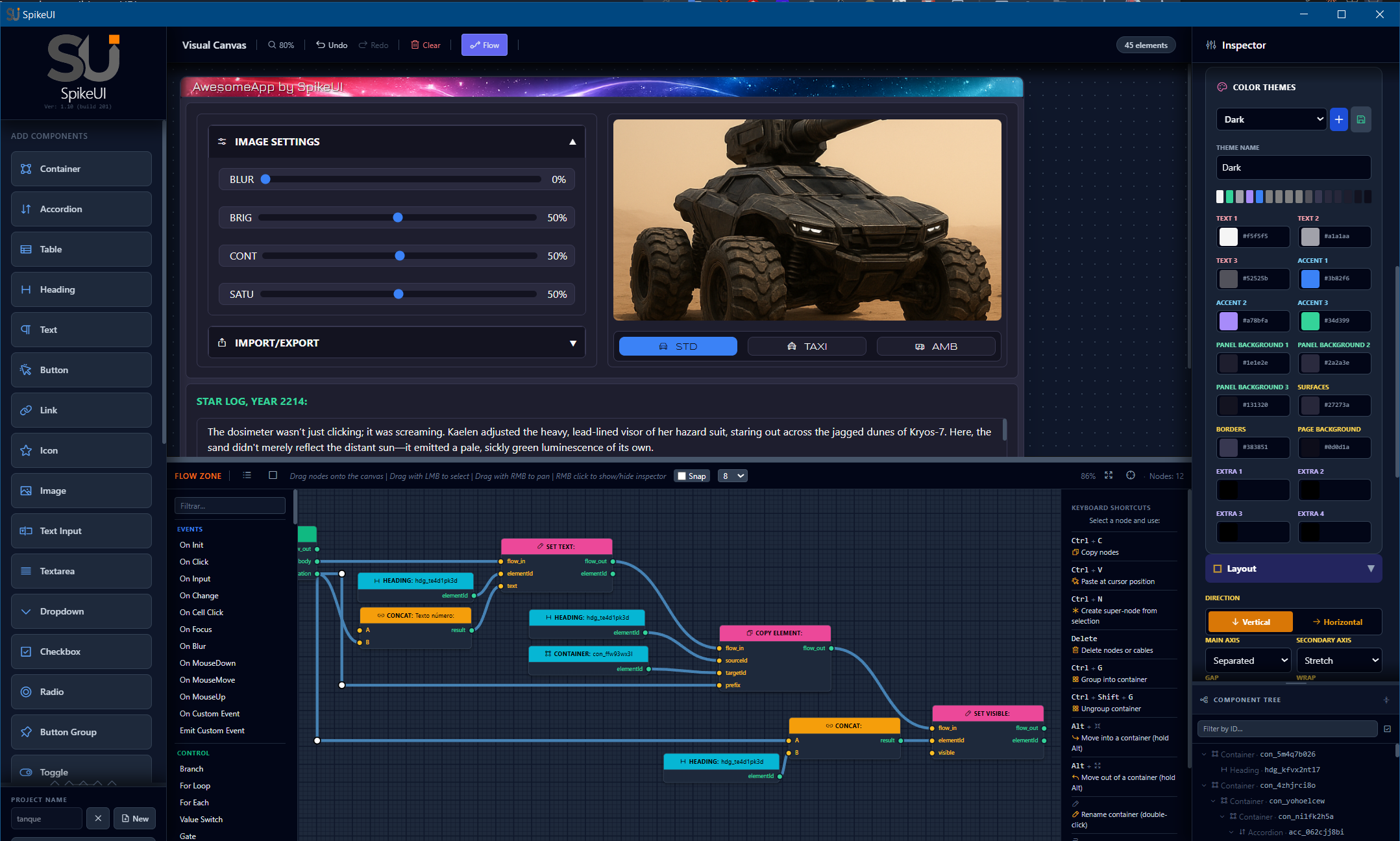
Pure WYSIWYG: what you design is what you get. No guesswork, no mysterious translations between the editor and the final result. See exactly how your interface will look before exporting.
Everything self-contained in a single executable. No external libraries at runtime, no CDN, no auxiliary frameworks. Your design environment lives inside SpikeUI, period.
To avoid language barriers, SpikeUI supports multiple languages, both in the editor and in the full documentation, as well as in relevant parts of the exported output.
Drag, drop and adjust properties visually, but if you need to dig deeper, you have complete access to the generated code. The best of both worlds without compromises.
Describe what you want and the AI builds it for you: it designs, wires and refines the components right on your canvas. Approve the plan before anything changes and let the copilot do the rest. You can use your account from compatible AI providers, or private and free local models.
No intermediaries, no conversion steps. SpikeUI exports directly to a Windows executable (.exe), to a PureBasic module (.pbi), to a single-file WebApp, or to separate HTML, CSS, JavaScript and Assets files — so your interfaces run on Windows and in any modern browser.
Discover a usage example in this demonstration video
Apps built with SpikeUI.
Images that speak for themselves
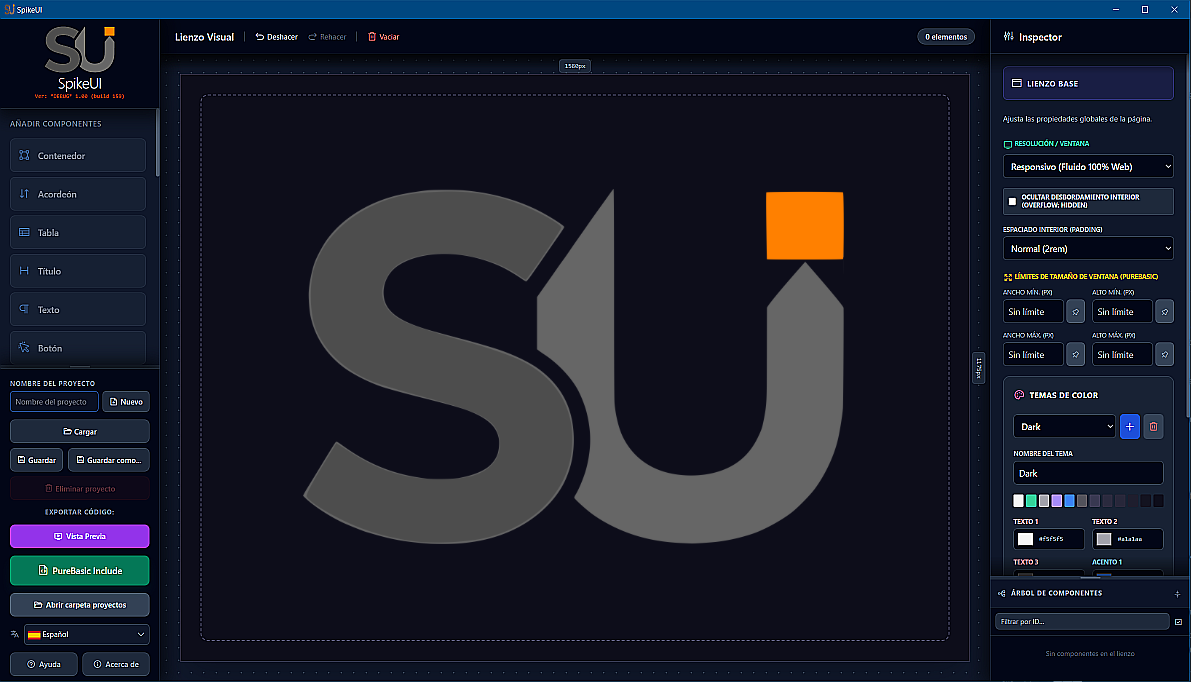
The main canvas where you design the interface with theme support
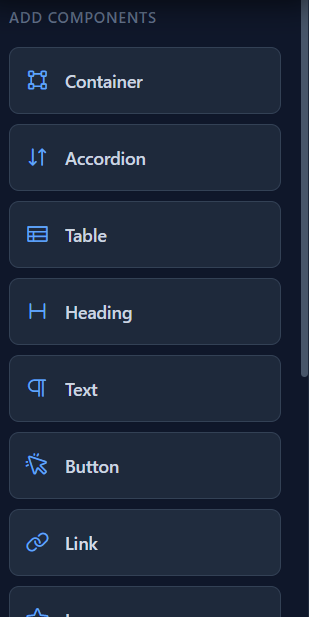
Complete library of controls: buttons, inputs, selectors and more
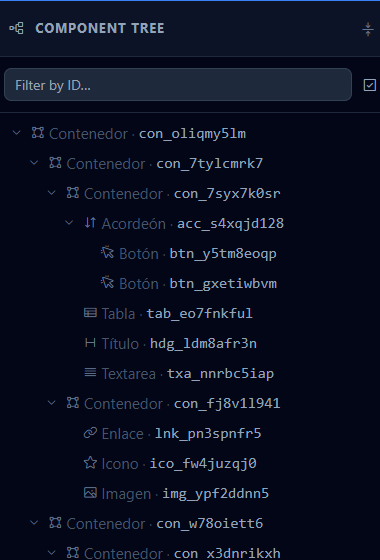
Visual hierarchy of all interface elements
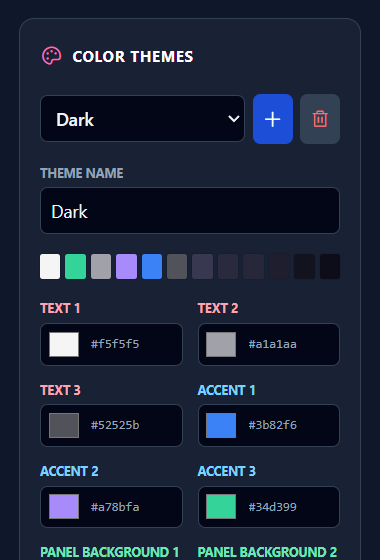
Flexible theme system with visual color editor
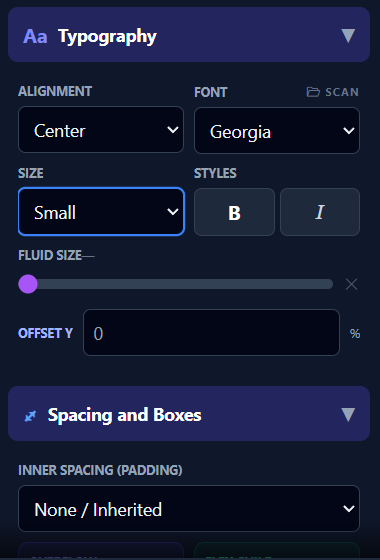
Full control over fonts, sizes, weights and spacing
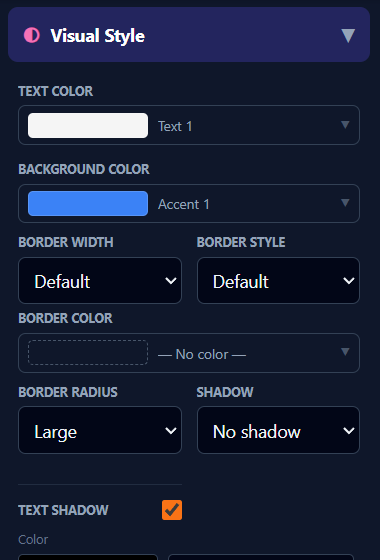
Editor for border-radius, shadows, gradients and borders
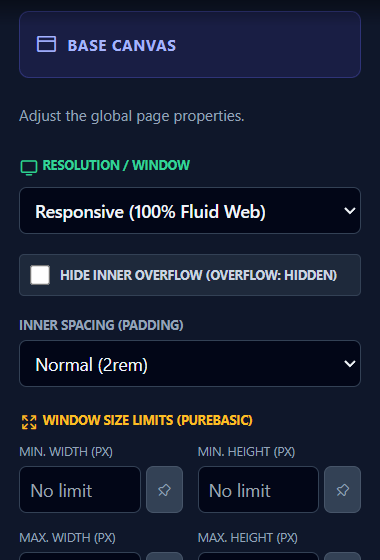
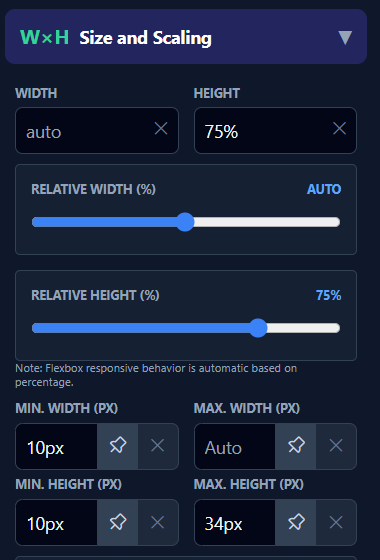
Adjust dimensions, padding, margin and scale of elements
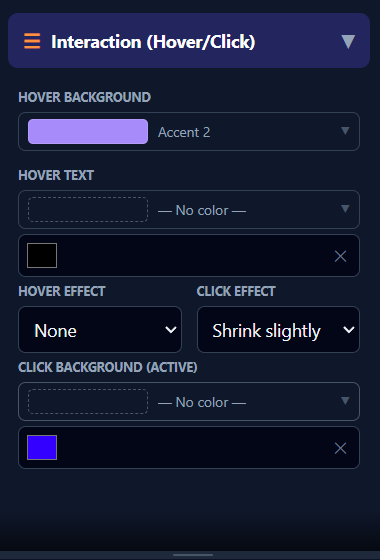
Configure events, cursors and interactive behaviors
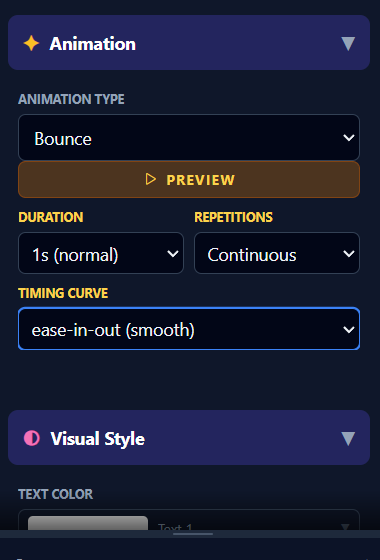
Preview transitions and animation effects in real time
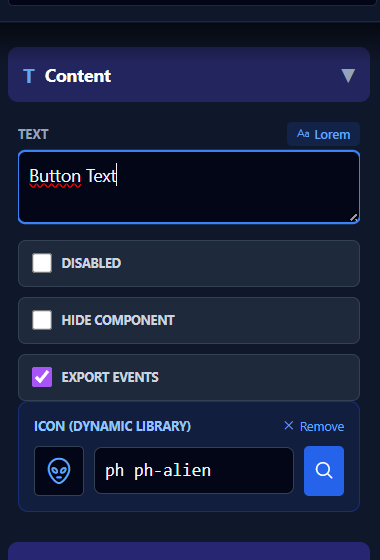
Basic content management, images, text, icons, etc...
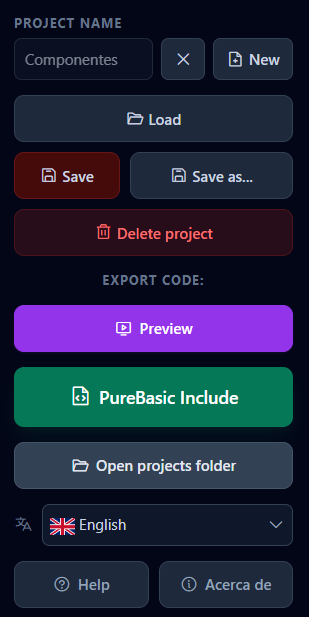
Save and load projects, preview or export to .exe, PureBasic, WebApp or Web
Multi-language support to better understand SpikeUI workflow
Latest updates and improvements to SpikeUI
Loading changelog…
Windows only
Launch offer: ~35€
(regular price ~65€)
Important: Try the demo before purchasing a license and read the documentation to make sure SpikeUI meets your needs
Real feedback from the PureBasic community
Have questions? We are here to help